Start your day with a conversation.
Waker is an iPhone alarm app by Black Igel. When your alarm rings, Waker talks with you in a two-way voice conversation about your day, until you are awake.
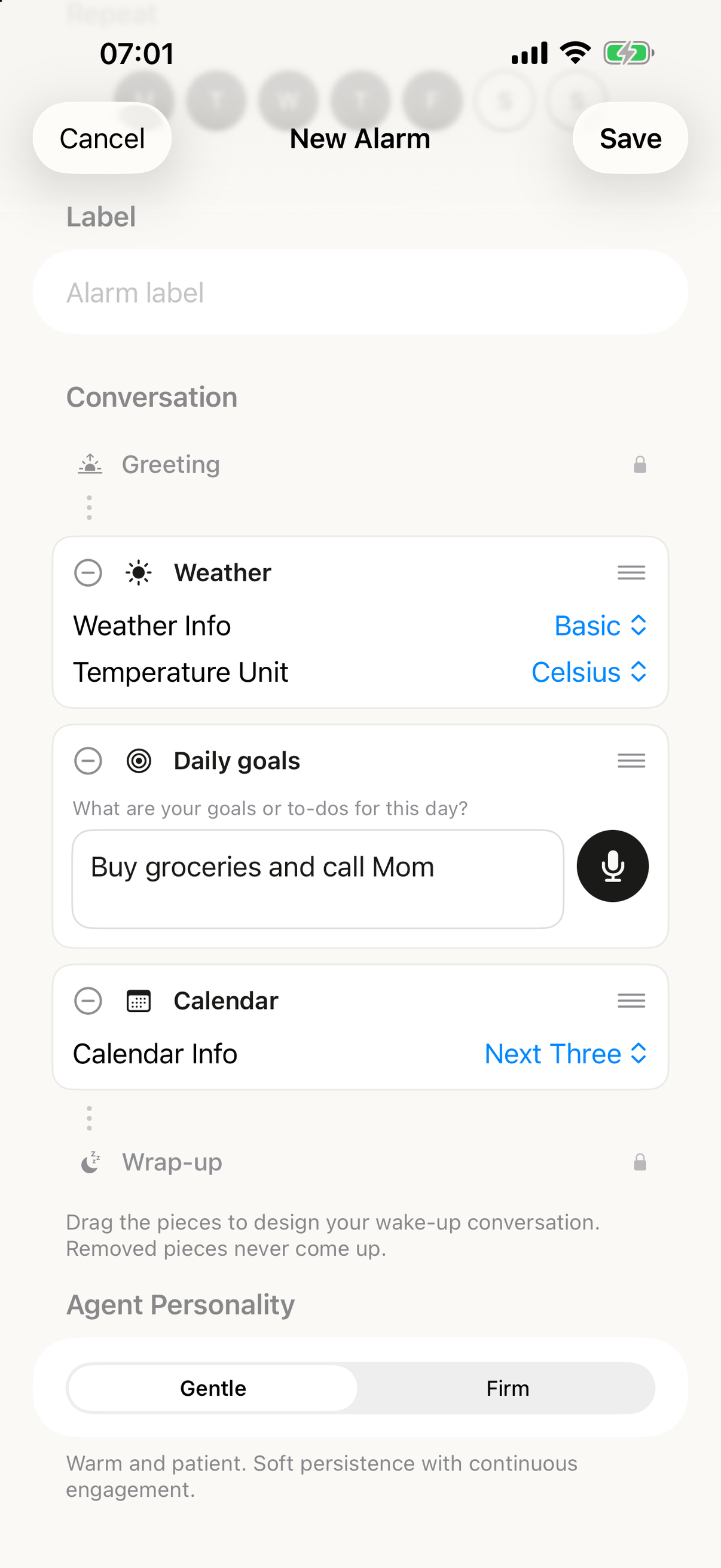
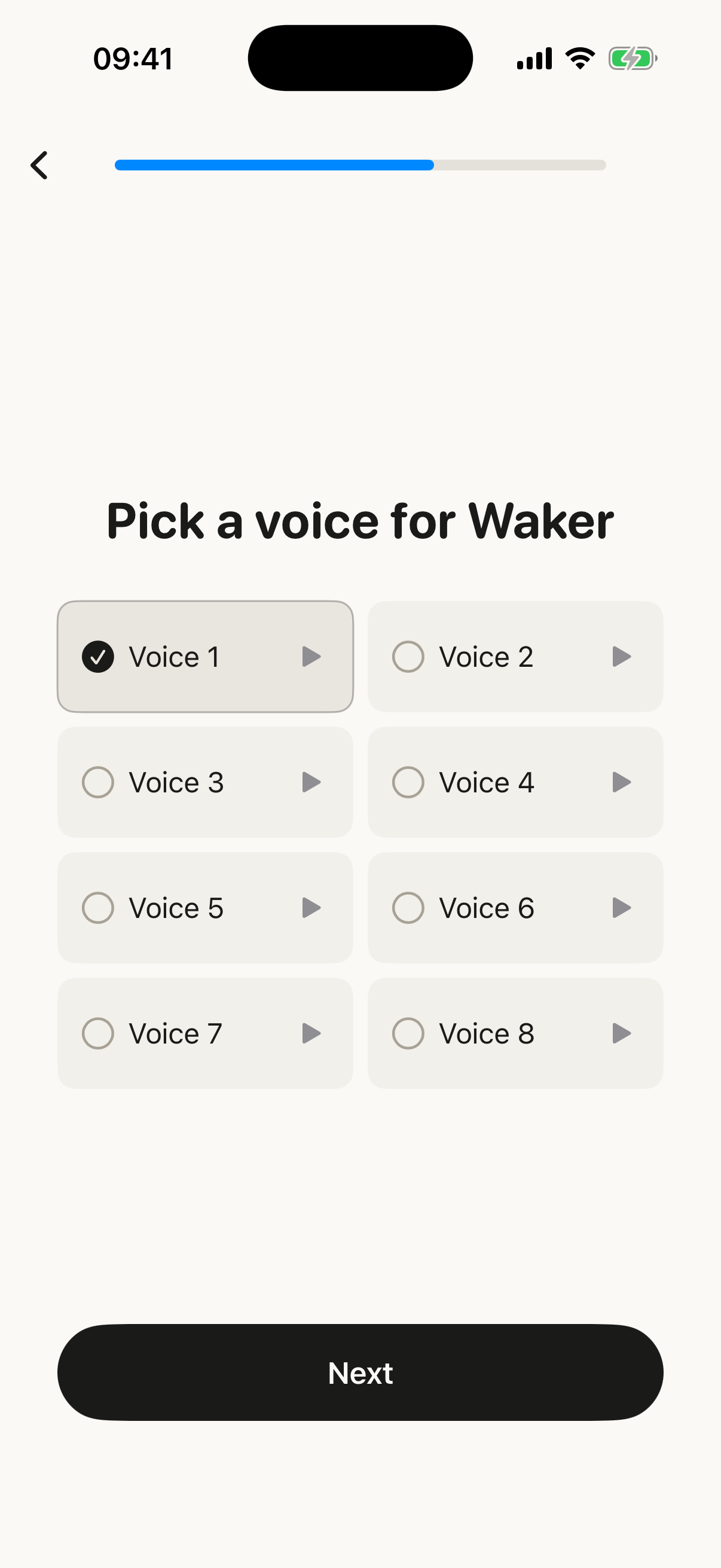
How does your morning start?
Set your alarm and choose the days it repeats. When it rings, tap “Talk to Waker” and unlock your iPhone if needed. Start your morning conversation.
What do you talk about?
Tell Waker your goals for the day. Choose your voice and conversation style. Optionally include your weather and calendar.
Does your alarm need internet?
An alarm you have already scheduled can ring without internet. You need an internet connection to set up or update alarms and talk with Waker.
Which iPhone do you need?
You need an iPhone running iOS 26 or later with on-device speech recognition available. Waker checks availability during setup.
What does Waker cost?
You need a subscription to use Waker. Plans are weekly or yearly. You can see available plans, prices and any eligible trial in the app before subscribing. Manage or cancel your subscription in your Apple account settings.
What happens to your voice?
Your speech is transcribed on your iPhone. Your voice audio stays on your device. The text is sent to Waker’s server and OpenAI to generate replies.
Are your conversations saved?
Waker’s server does not retain your session transcripts after the conversation ends. OpenAI may retain requests for up to 30 days. Your account, alarm settings and usage data are stored separately, as described in the privacy policy.
Is there a snooze button?
No. When your alarm rings, you tap “Talk to Waker” and start a conversation. If you go quiet, Waker speaks up again, up to three times, a little more directly each time.
Does Waker ring on silent and in Focus?
Yes. Waker schedules your alarms with Apple’s alarm system, AlarmKit. Your alarm rings when your iPhone is on silent, when a Focus is on and when the app is closed.
Which languages and voices are there?
Waker speaks English, German, Spanish, Portuguese and Italian. You can choose from 32 voices: 8 in English and 6 in each other language.
Gentle or Firm?
Choose your conversation style. Gentle is warm and patient. Firm is caring but direct and holds you to your own goals.
What is Tonight?
In the evening, tell Waker what tomorrow holds, out loud, in about twenty seconds. Your morning call then starts with your day.
How do wake-up streaks work?
Choose your wake-up days. Each morning you finish your conversation, your streak grows. You earn badges for big milestones, and streak freezes cover the occasional miss.
How is Waker different from other alarm apps?
Many alarm apps ask you to solve a puzzle or scan a code before the sound stops. Waker asks you to talk. A conversation about your day needs your attention, so you wake up already thinking about what comes next.
Who is Waker not for?
Waker wakes your mind, not the whole house. If you need a very loud siren to wake up, Waker is not the right alarm for you.
Is Waker available on Android?
No. Waker is available only for iPhone, with iOS 26 or later, on the App Store.